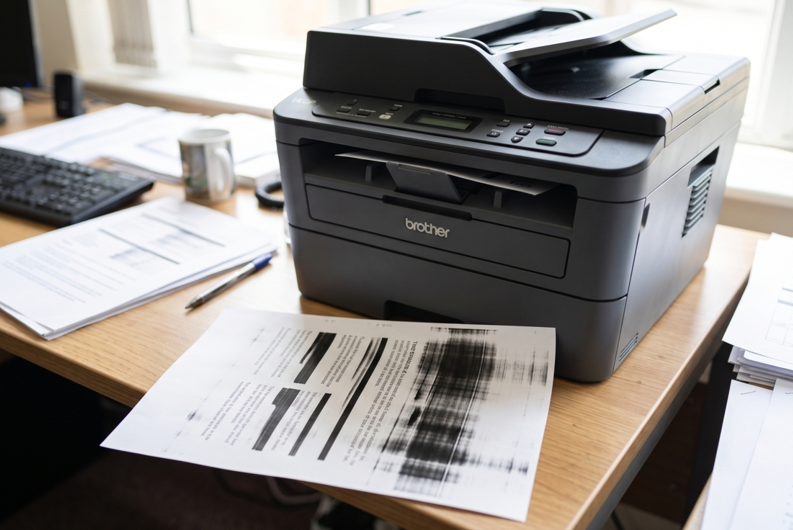
You print a page and it looks awful. There are black lines down the side. The text is smudged. Or it’s so faint you can barely read it.
It’s annoying, and it makes your documents look sloppy. But don’t panic. Most Brother print quality problems have simple causes, and you can often fix them yourself. Sometimes all it takes is fresh, well-matched Brother toner cartridges. Let’s work out what’s going on with your printer.
What Does Your Print Look Like?
The problem on the page tells you a lot. Here’s a quick guide:
- Faded or light text: Usually low toner.
- Black lines or streaks: Often a dirty or worn drum, or dust inside.
- Smudges that rub off: Often a fuser problem, or damp paper.
- Repeating marks down the page: Usually the drum.
- Grey or dirty background: Poor toner, or a worn drum.
- White spots or patches: Uneven toner, or damp paper.
Look at your page for a minute. Then pick the fixes below that match.
Why Print Quality Drops
There are a few usual suspects:
- Toner is running low
- The drum unit is old or dirty
- Dust and paper bits have built up inside
- The paper is damp, cheap or the wrong type
- A poor-quality cartridge
- The fuser is worn
Most of these are easy to check.
7 Fixes to Try
Fix 1: Check the Toner Level
Faded prints often mean low toner. Check the level on the display or print a status page. If it’s low, take the cartridge out and rock it gently from side to side. That can buy you a few more pages. Then plan a replacement.
Fix 2: Clean the Corona Wire
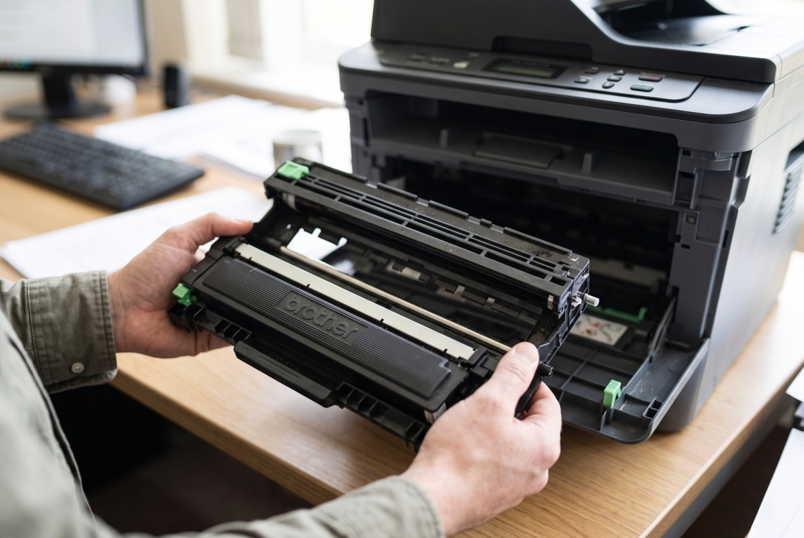
Many Brother laser printers have a small cleaning tab for the corona wire. It sits inside the drum unit. Slide it gently from one end to the other a few times. This clears up vertical lines on a lot of models. Check your manual first, since the steps differ by printer.
Fix 3: Look at the Drum Unit
The drum is a common cause of lines and marks. If the same mark repeats down the page, it’s probably the drum. Check the drum counter or the printer’s messages. A worn drum needs replacing.
Fix 4: Check Your Paper
Damp paper causes smudges and spots. Cheap paper leaves dust inside the machine. Use fresh, dry paper. Store it flat, in its wrapper, away from humidity. And make sure the paper type in your settings matches what you loaded.
Fix 5: Clean the Inside
Switch off and unplug the printer. Open the cover. Gently wipe dust from the paper path with a dry, lint-free cloth. Don’t use water or sprays. And never touch the drum surface with your fingers. Skin oils leave marks.
Fix 6: Run a Cleaning Cycle and Print a Test Page
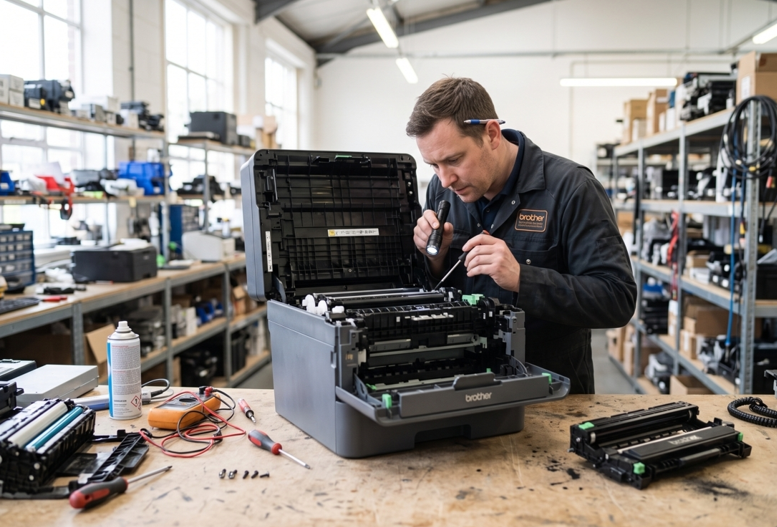
Use the printer’s own maintenance or cleaning function if your model has one. Then print a test page straight from the printer. If the test page looks fine, the problem is in your computer settings or the file. If it still looks bad, the cause is inside the machine. That usually means a worn drum or a tired fuser. A professional Brother printer repair in Dubai service can test those parts properly and fix them, so you’re not buying parts you don’t need.
Fix 7: Check Your Print Settings
Draft or toner-save mode makes prints lighter on purpose. Switch to normal quality for important pages. It’s a small thing, and people miss it all the time.
Habits That Keep Prints Clean
- Print a few pages every week
- Use good-quality paper
- Keep the printer in a cool, dry, dust-free spot
- Replace toner when the first warning appears
- Pick cartridges that match your exact model
- Handle the drum by its handles
None of this takes long. And it saves you a lot of reprinting.
Why Cheap Toner Can Cost More
It’s tempting to grab the cheapest cartridge. But very cheap toner can leak. It can print unevenly. It can leave grey backgrounds or faint text. Then you waste paper and toner trying to fix it. A cartridge from a supplier you trust is usually worth it, even if it costs a bit more up front.
When Should You Get Extra Help?
Ask a technician if:
- Lines or smudges stay after you’ve cleaned everything
- The problem continues with a new toner and drum
- You hear grinding or clicking
- You smell something burning
- The printer shuts down on its own
These signs point to worn internal parts. Please don’t open the machine yourself if you’ve never done it. Small parts break easily, and a cheap repair can turn into an expensive one.
Final Thoughts
Poor print quality looks bad, but the cause is usually simple. Low toner. A dirty drum. Damp paper. Dust inside. Start with the easy checks and work your way down the list. Keep the printer clean and use the right cartridge. If the lines and smudges won’t go away, get the printer checked. Then you can get back to printing pages you’re happy with.